Your money, on your own infrastructure
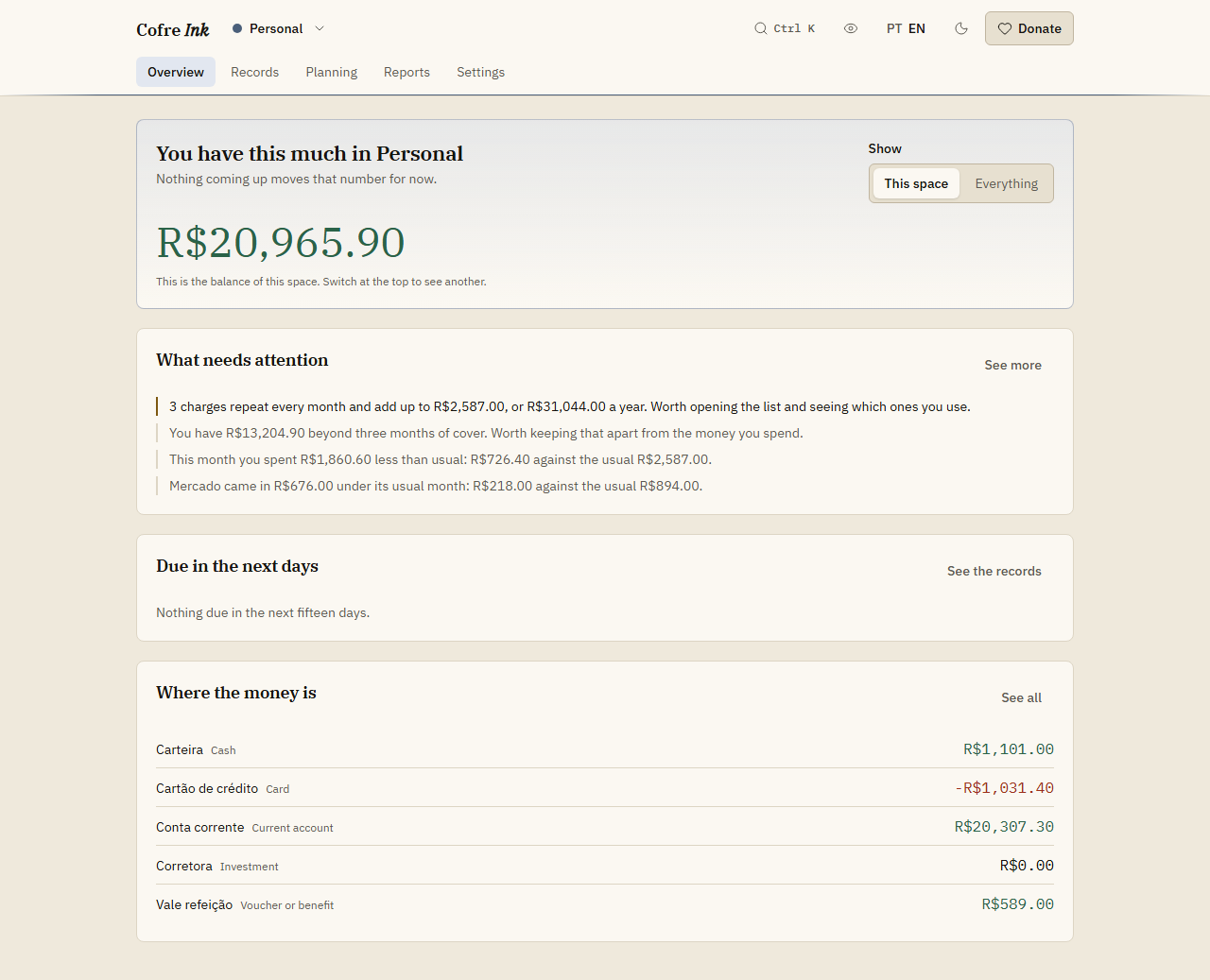 (opens the picture at full size)
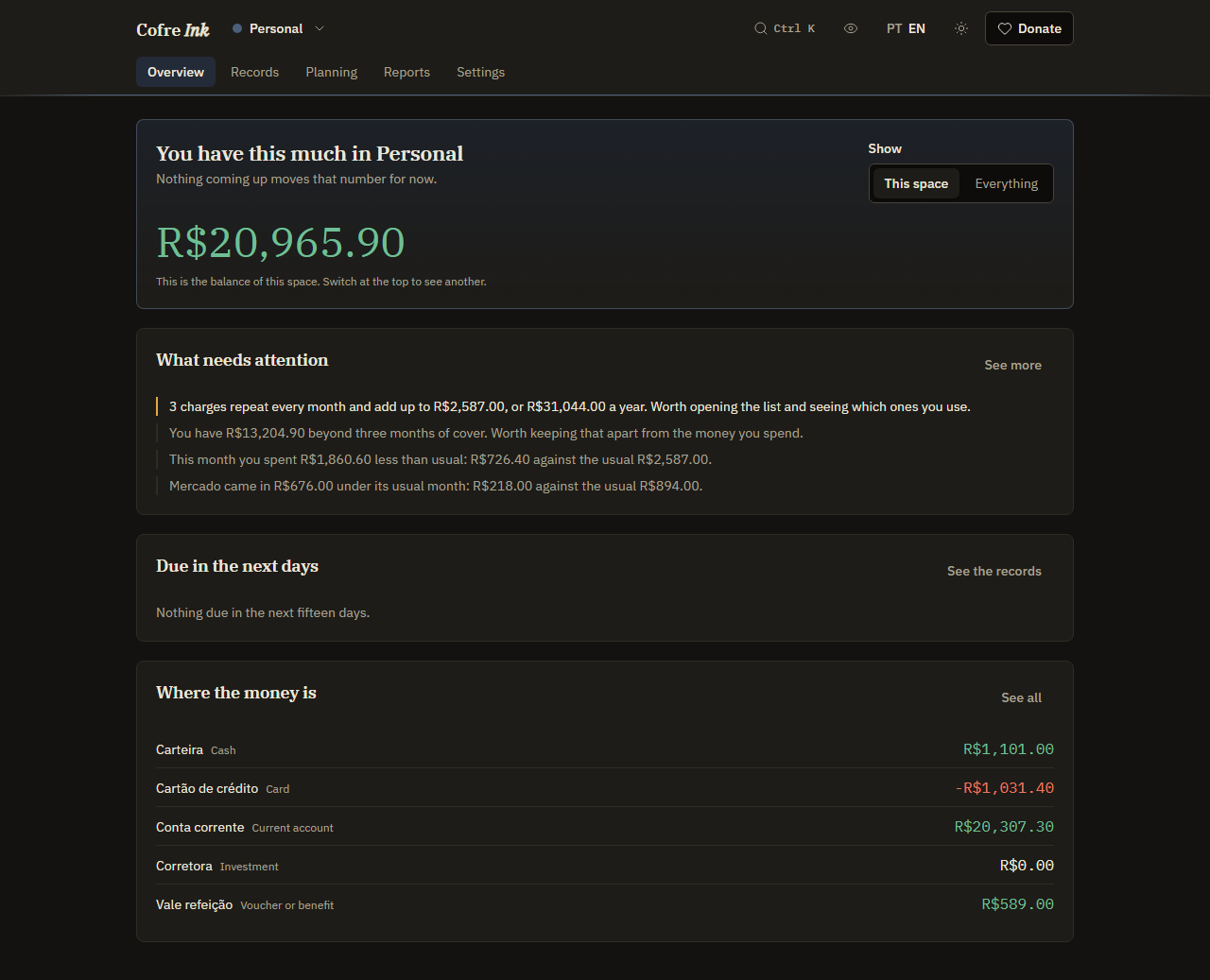 (opens the picture at full size)
Open source, and it runs where you decide
The code is on GitHub under the MIT licence. There are three ways to run it, and you choose which.
In this browser only
This is the default at app.cofre.ink: the database lives inside your browser, with no account and no password, and it works with no internet. There is no copy until you make one, and whoever opens that browser sees the data.
On a server of yours
Run Cofre Ink with Docker on a computer of yours or on a rented one, and sign in to it with email and password. It is the way to invite other people into a shared space.
In your browser, with a copy of yours
The data stays in your browser, and the automatic backup keeps a copy of every space in a WebDAV folder or an online database of yours. Nothing is sent until you ask, and once you turn it on, each change goes there a few seconds after you stop typing. No screen reads that copy back on its own, so keep a file from Download a copy as well. The records can also be mirrored, one way, into a Google spreadsheet.
What it does
Made for money in Brazilian reais, with the interface in English or Portuguese.
Records, cards and invoices
Accounts, cards and records with a real invoice cycle: a purchase on the closing day or after goes on the next invoice. A purchase in instalments becomes one record per part, each on its own invoice.
One line, or three numbers
Type coffee 4.20 yesterday wallet into Quick record and see what was understood before anything is written: the amount, the day, the account, and instalments such as 3x. Or skip the daily entries: The month takes what came in, what you spent and the card invoice, and writes them as ordinary records, the payment of the invoice included.
Categories and rules
Categories two levels deep, and a priority on each spending category, from essential to superfluous. A rule gives a record that arrives with no category the category you chose when its description holds a piece of text, and never replaces what you picked by hand.
What repeats, on a calendar
Describe the rent, a subscription or a salary once, every week, month or year, and it is written as planned records on the right days. The Calendar shows the month the way it will happen.
Statements from files
Read a statement or a card invoice from a CSV, OFX, QIF or XLSX file, a JSON list of records or a PDF that holds text, and check every line before anything is written. There is no connection to any bank: the file comes from you.
Budget, saving first, goals
Monthly limits on a category, a priority or everything, each saying whether the month will hold at the current pace. Save first checks that a share of what comes in, or a fixed amount, went to the account you chose, and a goal follows the balance of the account its money sits in.
Findings and the check up
Sentences worked out from your own records, each carrying the figures it came from, such as a category above its usual month or the same charge twice. The Check up adds a verdict, four signs and a plan with a month on each step. Three full months of records let it read all four signs.
Reports, projection, investments
Each month by category and by priority, and the last twelve side by side, ready to print. A projection of the balance up to three years ahead, with what if scenarios, and investments at prices you type, compared with the CDI.
Shared spaces
A personal space that is yours alone, and shared spaces with roles, where an expense is divided evenly, by shares or by income, and a settle up says who owes whom. A Logger sees only the records they wrote, and the Owner can hand the space to another member. Inviting other people, and so dividing with them, needs a server of your own.
Your data stays yours
Cofre Ink holds nobody's data. What you write stays where you chose to keep it.
No telemetry
No analytics, no error reporting service and no tracking. The app tells nobody how you use it.
Kept in your browser
Unless you connect it to a server of yours, everything you write at app.cofre.ink is kept in your own browser, and whoever published the app can read none of it.
Nothing leaves unless you ask
In your browser, your records leave only for a place you chose, and only once you ask: after you Turn on the automatic backup for a WebDAV folder or an online database of yours, every change goes there, and Mirror now writes to a Google spreadsheet of yours. Update the indices asks the Banco Central for public rates and sends none of your records. With a server of your own, the data lives on that server.
Works with no connection
After the first visit the interface is kept on the device, so when the data lives in your browser, Cofre Ink opens and works with no internet at all. With a server, it needs to reach that server.
Yours to take away
Download a copy writes one file with every space you tick, whenever you want, and Restore from a file joins that file with what is already there, adding only what is missing. That file is what brings your data back. The records also leave as a CSV file, for any spreadsheet.
No bank connection
Cofre Ink never signs in to a bank and never asks for a bank password. Statements come in as files you download yourself.
Try it in your browser
Open the app, tick Start with example data under In this browser only and press Use this browser only to look around with invented accounts and records before you write anything of your own. You can erase them later.