Notices and findings
Cofre Ink reads what you have written down and points out what deserves a look: a bill due tomorrow, a limit going over, a charge that seems to be there twice. There is nothing to switch on. These lines live inside the app: notices on the Overview, findings on the Overview and on the Check up. Cofre Ink sends no notifications and no emails.
Where to find it
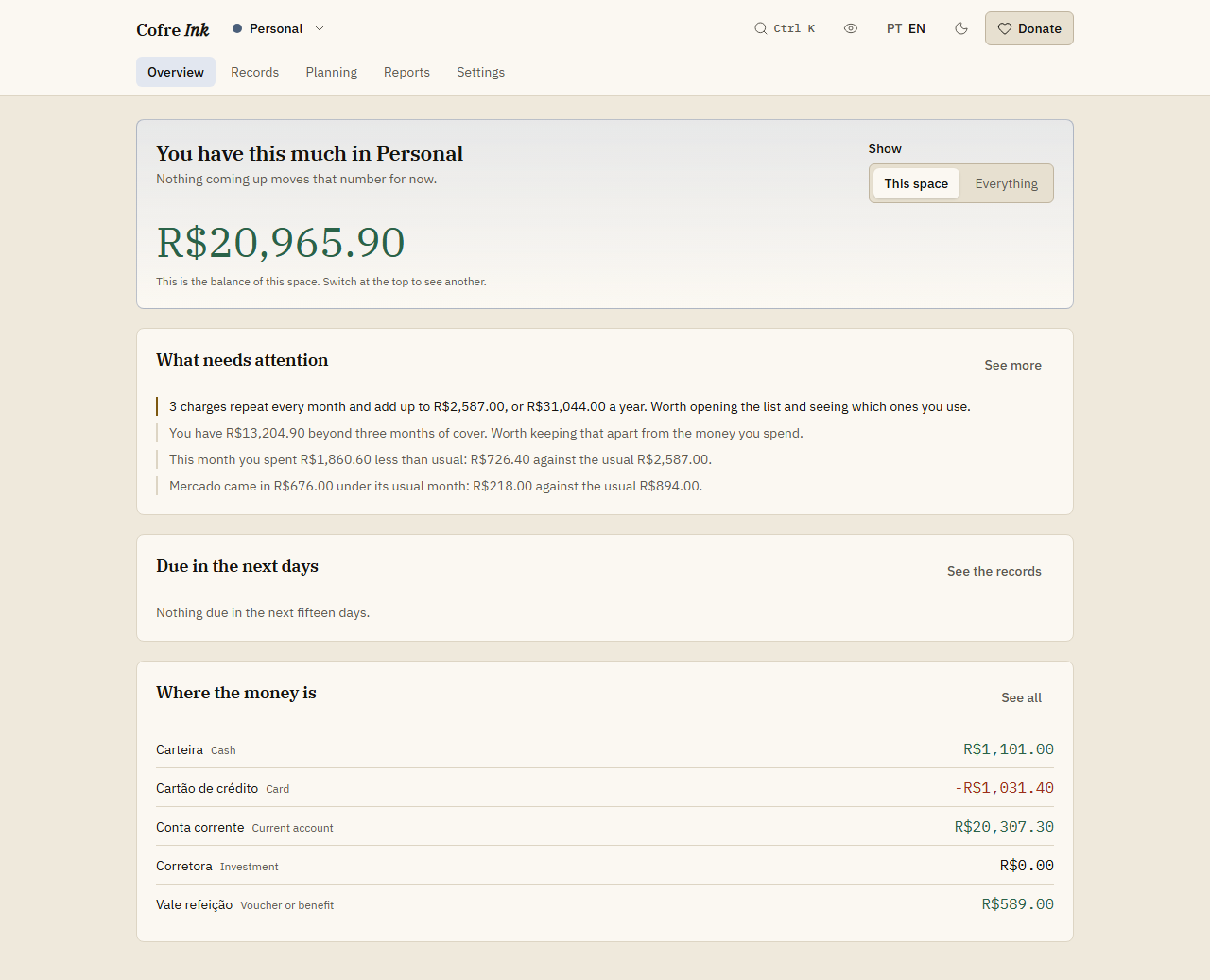
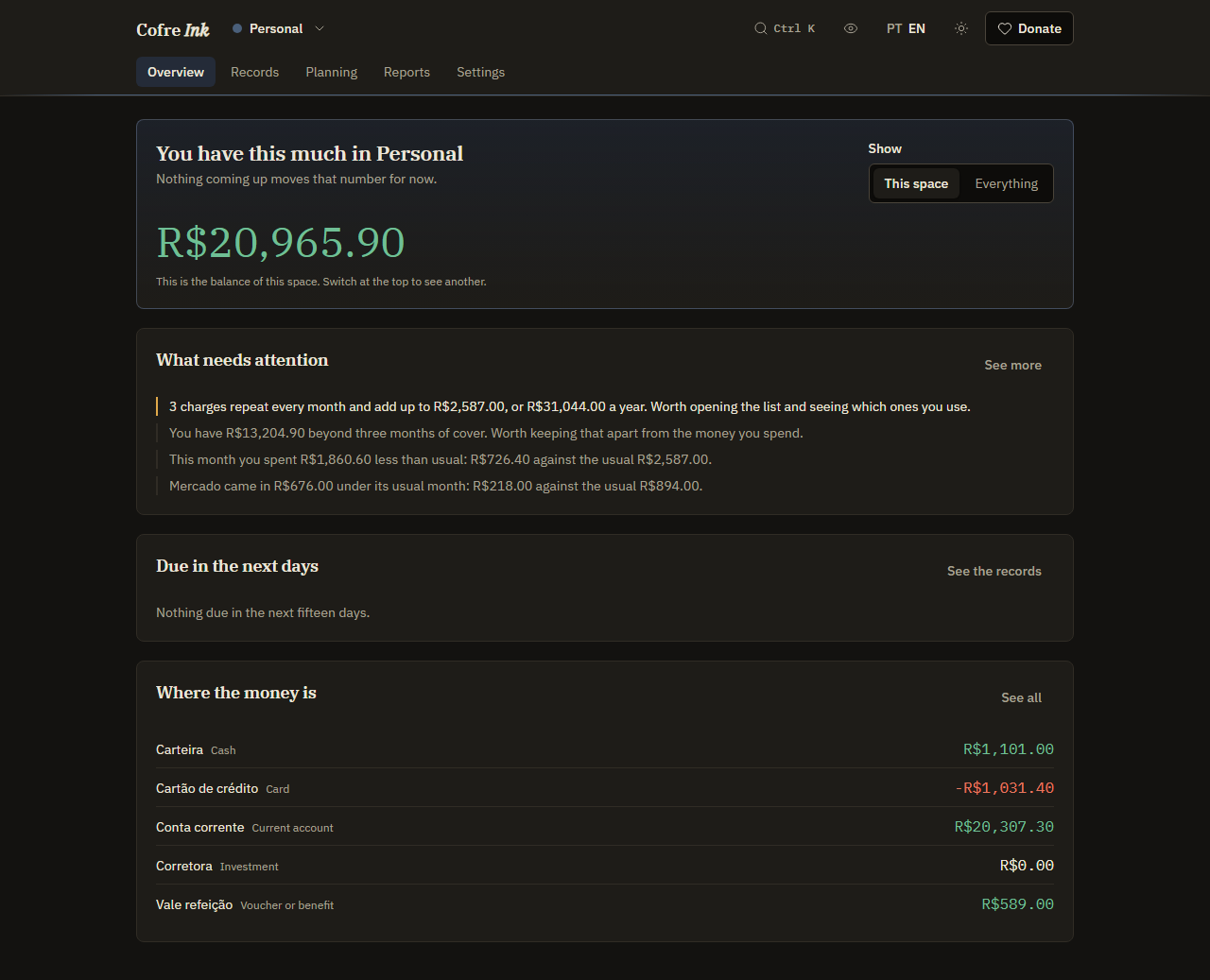
Section titled “Where to find it”On the Overview, in the panel What needs attention. The panel appears only when there is something to say. It shows up to five notices first, then the four findings with the most weight. See more opens the Check up, which lists the findings at length, most of them with a button to the screen where you deal with it.
 (opens the picture at full size)
 (opens the picture at full size)
Notices: what is due and what is off track
Section titled “Notices: what is due and what is off track”Notices are about now. They are worked out from what is true at this moment, never stored, and they come from what you set on other screens:
- A limit that is over, or tight at the pace of the month so far (see Budget, save first and goals).
- A record marked Has not happened yet that falls due today or in the next three days.
- The Save first rule, while this month is still short of it.
- A goal whose account has reached the target.
The left edge of each line shows how pressing it is: the strongest for what cannot wait, such as a bill due today or a limit already over, a softer one for what needs attention soon, and a plain line for good news. When the reason goes, the line goes: press Mark as paid on the bill in Due in the next days, and its notice disappears.
Findings: what your months say
Section titled “Findings: what your months say”Findings are sentences worked out from your own records. Each one carries the figures it was made from, so you can check it by hand, and most end in something to check or to do. They come in order of weight, problems first, then what needs attention, then good news, and within each by the money at stake. They look at:
- The month: more went out than came in, or, near the end of the month, you spent clearly less than usual.
- Categories: one category well above its usual month, or well below it.
- Limits: a limit already passed, or being spent faster than the month is passing.
- What repeats: descriptions that come back in at least three different months, added up per month and per year, and one of them getting dearer.
- A charge that looks doubled: the same amount, in the same account, with a description that starts the same way, at most three days apart.
- The next fifteen days: a card invoice, or all the bills together, larger than the money you have.
- The reserve: how many months of your usual spending the money you have would cover, when that is under three months, or well above it.
- What is left over: when an ordinary month leaves less than ten per cent of what comes in.
- Goals: a goal that has had nothing put into it for sixty days.
The usual month is the median of up to six earlier months, not the average, so one odd month does not move it. Small differences are left out: a month or a category has to be more than R$ 50 away from usual before it gets a line. The money you have counts every account except those of kind Investment.
Act on a finding
Section titled “Act on a finding”- Open the Check up: press See more on the Overview, or go to Planning and then Check up.
- Go down to What else the figures pointed at, where the findings are listed.
- Under a finding, press its button: Go to List, Go to Budget, Go to Card invoices or Go to Calendar, depending on what it is about. Good news carries no button.
A finding is not dismissed by hand. It goes when the figures behind it change, for example when you delete a charge that was written twice.
Good to know
Section titled “Good to know”- Notices exist only on the Overview, and findings only on the Overview and on the Check up. There are no push notifications, no emails and no sounds: you see them when you open the app.
- Findings that compare with a usual month need three earlier months with records. Others, such as a doubled charge, a limit passed or bills larger than what you have, can appear in your first week. While the Check up reads Too soon to say and has nothing to list, it shows Nothing to point at yet.
- Most findings read only records that have happened. What falls due in the next fifteen days is read from records marked Has not happened yet.
- Everything here is about the space that is open, also when Show is set to Everything on the Overview.
- The findings about a reserve under three months and about too little left over show on the Overview but not in the Check up list, because the four signs and the plan there say the same thing with an order and a month.
- Nothing here recommends a product, a fund or a place to put money.
- It works the same in both modes: in browser mode the arithmetic runs in your browser, in server mode on your Cofre Ink server.
To get more out of it, write your bills down ahead of time (see What repeats, and the calendar) and set a few limits. The check up reads the same records at length.