How to split expenses as a couple: evenly or by income
Splitting expenses as a couple starts with one question: what is yours, what is mine and what is ours. This page goes through the possible arrangements, splitting evenly or splitting bills by income, with an example that adds up to the cent, and settling up. The last part shows how Cofre Ink, an open source personal finance app, keeps the three apart.
Joint account or separate accounts: three arrangements
Section titled “Joint account or separate accounts: three arrangements”Each trades some simplicity for independence:
- Everything together. Both incomes go to one place, and every expense comes out of it. It is the easiest to follow, but every personal purchase becomes a matter for both of you.
- Everything separate. Each keeps their own money, and the household bills are shared out: one pays the rent, the other the groceries. The split can drift without anyone noticing, and it is hard to say what the home costs in a month.
- A shared pot for shared costs only. Each puts in an agreed amount, into a joint account or by paying household bills, and the rest stays their own. It needs an agreement on how much each puts in, and a review when incomes change.
Splitting expenses as a couple: evenly or by income
Section titled “Splitting expenses as a couple: evenly or by income”Arrangements 2 and 3 still need a way to split the bills:
- Evenly: each pays half. It is simple, but when incomes are far apart, the same half weighs much more on whoever earns less.
- In proportion to income: each pays the same percentage of what they earn. It asks both of you to say what you earn and agree which figure counts, such as what lands in the account each month.
- By agreed shares: a fixed proportion set by the two of you, such as 60 and 40.
A worked example, to the cent
Section titled “A worked example, to the cent”Ana earns R$ 6,000 a month and Bruno R$ 4,000. Together that is R$ 10,000, and Ana brings in 60% of it. The household bills come to R$ 3,500: rent of R$ 2,000, groceries of R$ 1,100 and R$ 400 of electricity, water and internet.
| Ana | Bruno | Total | |
|---|---|---|---|
| Income | R$ 6,000 | R$ 4,000 | R$ 10,000 |
| Split evenly | R$ 1,750 | R$ 1,750 | R$ 3,500 |
| Split by income | R$ 2,100 | R$ 1,400 | R$ 3,500 |
Splitting evenly, Ana puts in under 30% of what she earns and Bruno almost 44%. Splitting by income, each puts in 35%.
When a split is not exact, round each part to the cent and make the parts add up to the total: R$ 100 between three people is R$ 33.34, R$ 33.33 and R$ 33.33.
Settling up: who paid what
Section titled “Settling up: who paid what”In the example, Ana pays the rent (R$ 2,000) and Bruno the groceries and the utilities (R$ 1,500). Split by income, Ana’s share is R$ 2,100 and Bruno’s R$ 1,400: Ana paid R$ 100 less than her share and Bruno R$ 100 more. One transfer of R$ 100 from Ana to Bruno leaves them even.
You can settle up every month or after each large purchase. The longer the gap, the harder it is to remember where the sum came from, so note who paid what when it happens.
How Cofre Ink keeps yours, mine and ours
Section titled “How Cofre Ink keeps yours, mine and ours”In Cofre Ink, every account, record, limit and goal belongs to a space (see Spaces). Your personal space is yours alone and never takes members. A shared space, made under Manage spaces, New space, holds what belongs to both of you and starts with no accounts: add the one the household money goes through under Settings, Accounts. On the Overview and Reports, the option Everything adds up the spaces you belong to, and the other person’s personal space is never part of it.
Each person in the shared space has a role. Editor, which comes chosen when you invite, writes records, divides expenses and marks payments. Administrator also invites and changes roles. See Members and invitations.
Divide an expense: evenly, by shares or by income
Section titled “Divide an expense: evenly, by shares or by income”- In Records, List, press the gear button at the end of the expense’s row and choose Divide with the house.
- Under How to divide, choose Evenly, By shares or By income, which uses the Monthly income each person gave on the Members screen.
- Under Who paid, choose whoever put the money in.
- Press Save.
The parts always add up to the exact amount, to the cent. To check them, open Divide with the house again and read How it is divided, above all after By shares. Leave with Cancel, because the dialog reopens on Evenly. Monthly income is used only for this and, the app says, shows up in no report.
Who owes whom
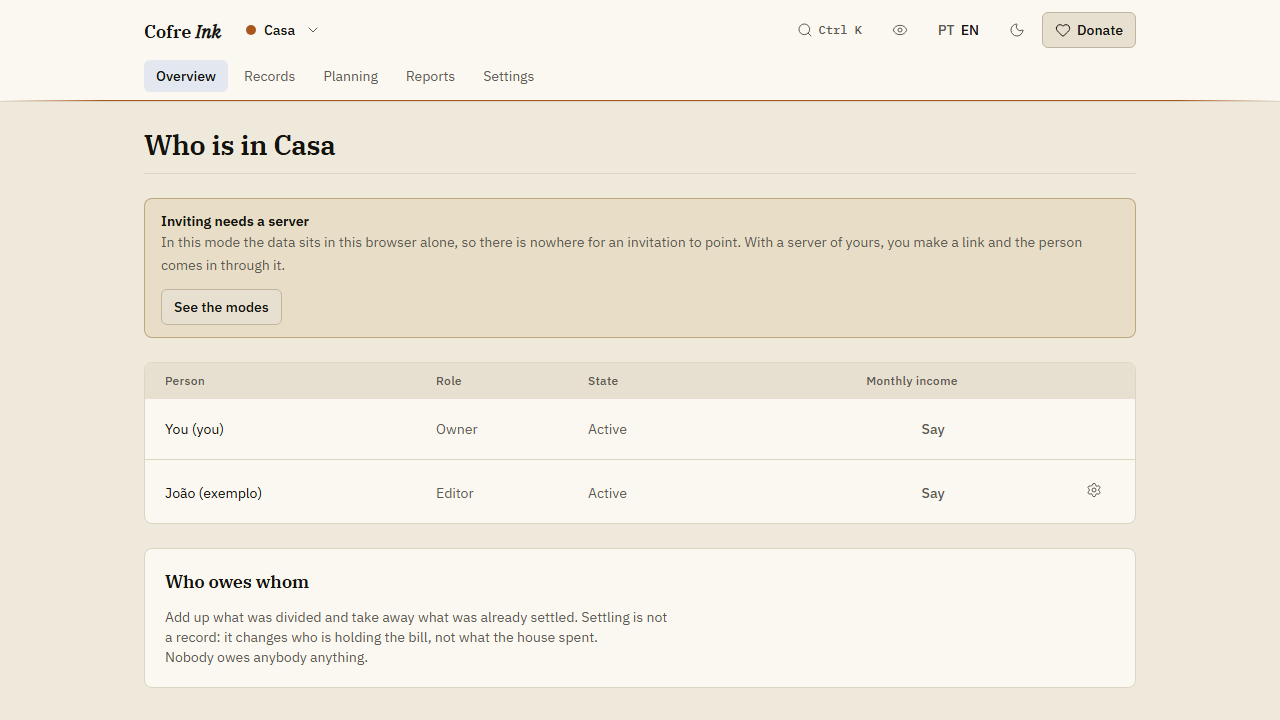
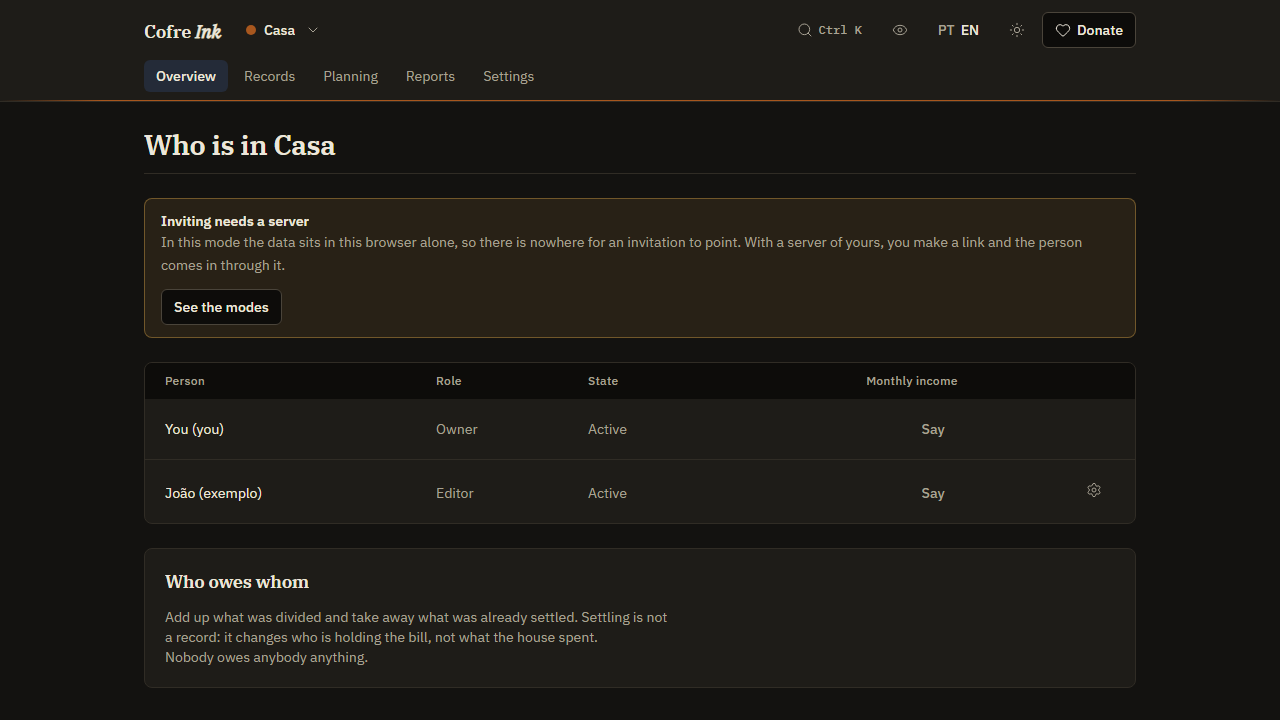
Section titled “Who owes whom”On the Members screen of the space, the panel Who owes whom adds up what was divided and takes away what was already settled. In the example, with both incomes given under Monthly income, the three expenses divided By income, and Ana chosen under Who paid for the rent and Bruno for the other two, the panel shows that Ana owes R$ 100 and Bruno is owed R$ 100, and To clear it proposes that payment. Once the transfer has happened, outside Cofre Ink, Mark as paid moves it to Already settled, and the panel says Nobody owes anybody anything. Settling is not a record: it stays out of reports about spending and moves no money between accounts. See Splitting and settling up.
 (opens the picture at full size)
 (opens the picture at full size)
What needs a server
Section titled “What needs a server”In browser mode, the default at app.cofre.ink, you can create a shared space and write in it, but nobody else can join, and dividing needs a second person. Profiles let two people share one browser, but they do not share spaces and have no password between them (see More than one person per device).
To divide for real, you need a Cofre Ink server of your own, run with Docker (see Install with Docker). There each of you signs in with your own email and password, and the Owner or an Administrator makes an invitation link on Members. Both of you need to reach the address of the server, and whoever looks after the machine has access to the database with everybody’s records, personal spaces included.
Family or friends sharing a house
Section titled “Family or friends sharing a house”The same shape works for more people: one shared space for the house and a personal space each. With three people or more:
- A division always takes in everyone in the space. By shares gives different weights, such as 2, 1 and 1.
- With By income, a person who has not given a monthly income gets no part.
- To clear it may propose more than one payment.
- A Viewer sees everything and changes nothing. A Logger, a role the app describes as meant for a child or for whoever helps with the house, still sees figures of the whole space, such as the balance of every account: do not use it to keep the household money from someone.
To look around first, open the app, tick Start with example data on the first screen, then write an expense in the example space Casa, which has a made up second person, João (exemplo), and divide it.
Related pages: Splitting and settling up, Members and invitations, Where your data lives.