Budgeting app without a bank connection
A budgeting app without a bank connection is one where the records come from you: typed in, or read from a file you download from your bank. If you want a private budget app, or an offline budgeting app that never links to your bank account, this is the choice underneath. Below: what a bank connection shares, what you give up without one, and how Cofre Ink, an open source personal finance app, works with none.
What connecting your bank to an app means
Section titled “What connecting your bank to an app means”Connecting a bank means giving a company continuing read access to your accounts. Once it is set up, new transactions reach the app on their own, until the access ends or you cancel it.
In Brazil the route built for this is Open Finance. The app shows which data it asks for (such as balances, account transactions and card invoices) and for how long, then sends you to your bank’s own app or website to sign in and confirm. The password is typed at your bank, not in the app, so an app that asks for your bank password on a screen of its own is not using this route. A consent to share data lets the app read, not move money, and it can be cancelled at any time.
Some apps receive the data through an intermediary company that connects to banks for many apps, so your transactions pass through it too. Either way, the question is not whether a connection is safe, but who holds a copy of your transactions, and for how long.
Why some people prefer not to connect
Section titled “Why some people prefer not to connect”Some of the reasons, none of them a rule:
- Not wanting a copy of every purchase to reach one more company.
- Wanting to look at each record: typing a purchase, or checking a statement line by line, is a moment of attention.
- Having part of the money outside any bank: cash, or money lent between friends.
- Wanting the records to stay theirs if they stop using a service one day.
What you give up without a bank connection
Section titled “What you give up without a bank connection”Without a connection, the records come from you, and that has a cost:
- Time: a little on most days, or a sitting each month with the statements.
- Gaps: a purchase you forgot to write down is missing until a statement brings it in.
- Delay: the picture is only as recent as your last import or typed record.
In return, the records go only where you put them, and every record has passed under your eyes. A connection gives the reverse. Both are reasonable, and they suit different people.
What to ask of a private budget app
Section titled “What to ask of a private budget app”These questions tell you where your money data goes:
- Where are the records stored: on your device, on a server you control, or on the company’s servers?
- Does it need an account?
- Does it work offline?
- Does it send data about how you use it?
- Can you take everything out in a file, and bring it back?
- Can anybody read the code to check what it does?
How Cofre Ink works without a bank connection
Section titled “How Cofre Ink works without a bank connection”Cofre Ink never signs in to a bank and never asks for a bank password. Its code is open, under the MIT licence, for anybody to read.
Statements come in as files
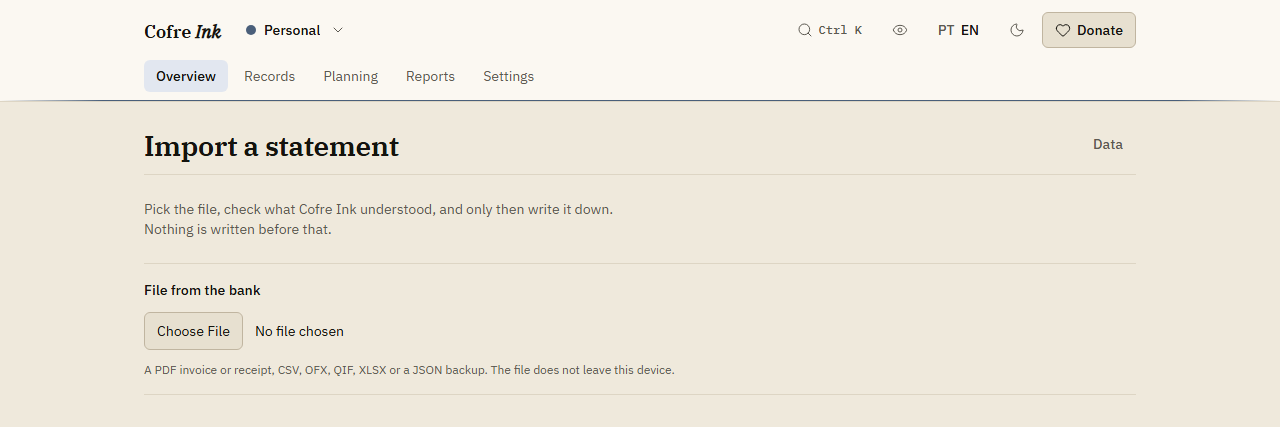
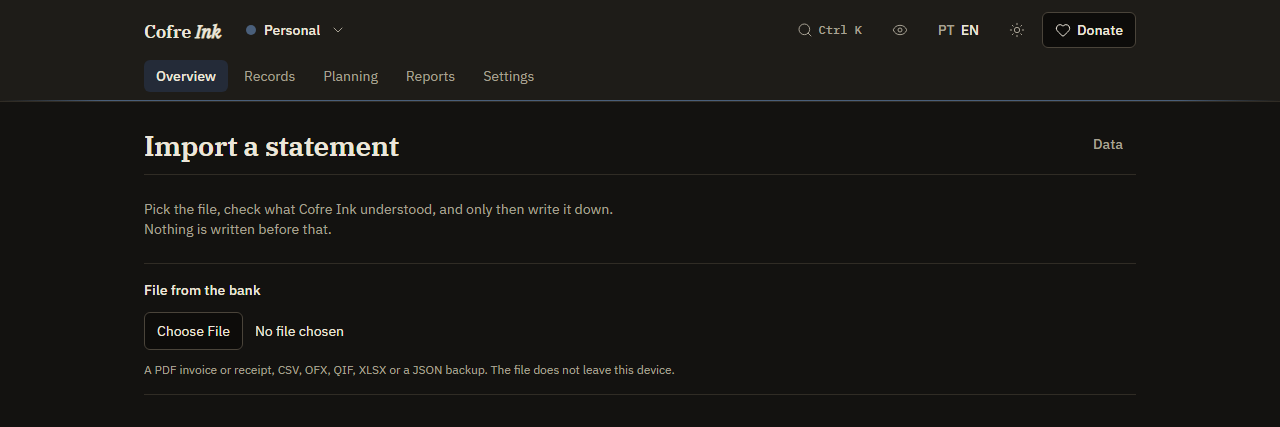
Section titled “Statements come in as files”You download the file from your bank yourself, and Cofre Ink reads it: CSV, XLSX, OFX (also .qfx), QIF, a JSON list of records, or a PDF that holds text, such as a card invoice, a bank statement or a receipt. A scanned PDF or a photograph holds no text, and Cofre Ink does not read pictures.
The file is read on your device, and the import shows what it understood, line by line, before anything is written. You untick what you do not want and press the button that says how many records will be written. Importing a statement has every step.
 (opens the picture at full size)
 (opens the picture at full size)
Typing, kept short
Section titled “Typing, kept short”For what no file brings, such as cash, Quick record takes a whole record in one line, like coffee 4.20 yesterday wallet, and shows what it understood before anything is saved (see Quick entry). Rules put records in a category by a piece of their description, typed and imported alike (see Rules that sort).
Where the data lives
Section titled “Where the data lives”You choose on the first screen (see Where your data lives):
- In this browser only, the way app.cofre.ink works: the database sits in your browser, on this device, with no account and no password. Whoever runs app.cofre.ink never sees what you write.
- A server of mine: Cofre Ink on a machine of yours, with Docker, where you sign in with email and password. It is the only way to bring other people into a shared space (see Install with Docker).
- A database in the cloud: the data stays in the browser, and a copy of a space goes to a database of yours when you press sync.
 (opens the picture at full size)
 (opens the picture at full size)
Nothing leaves on its own
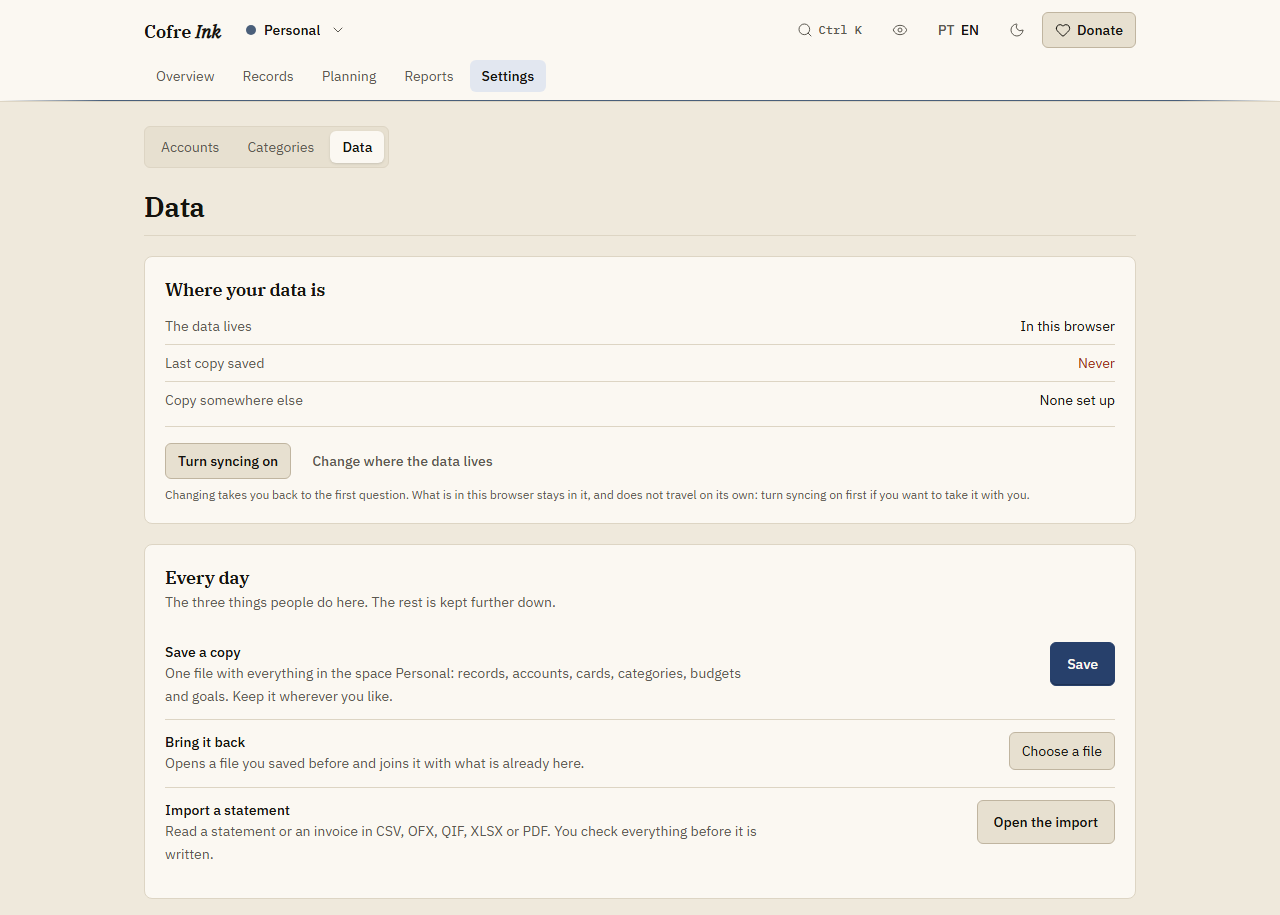
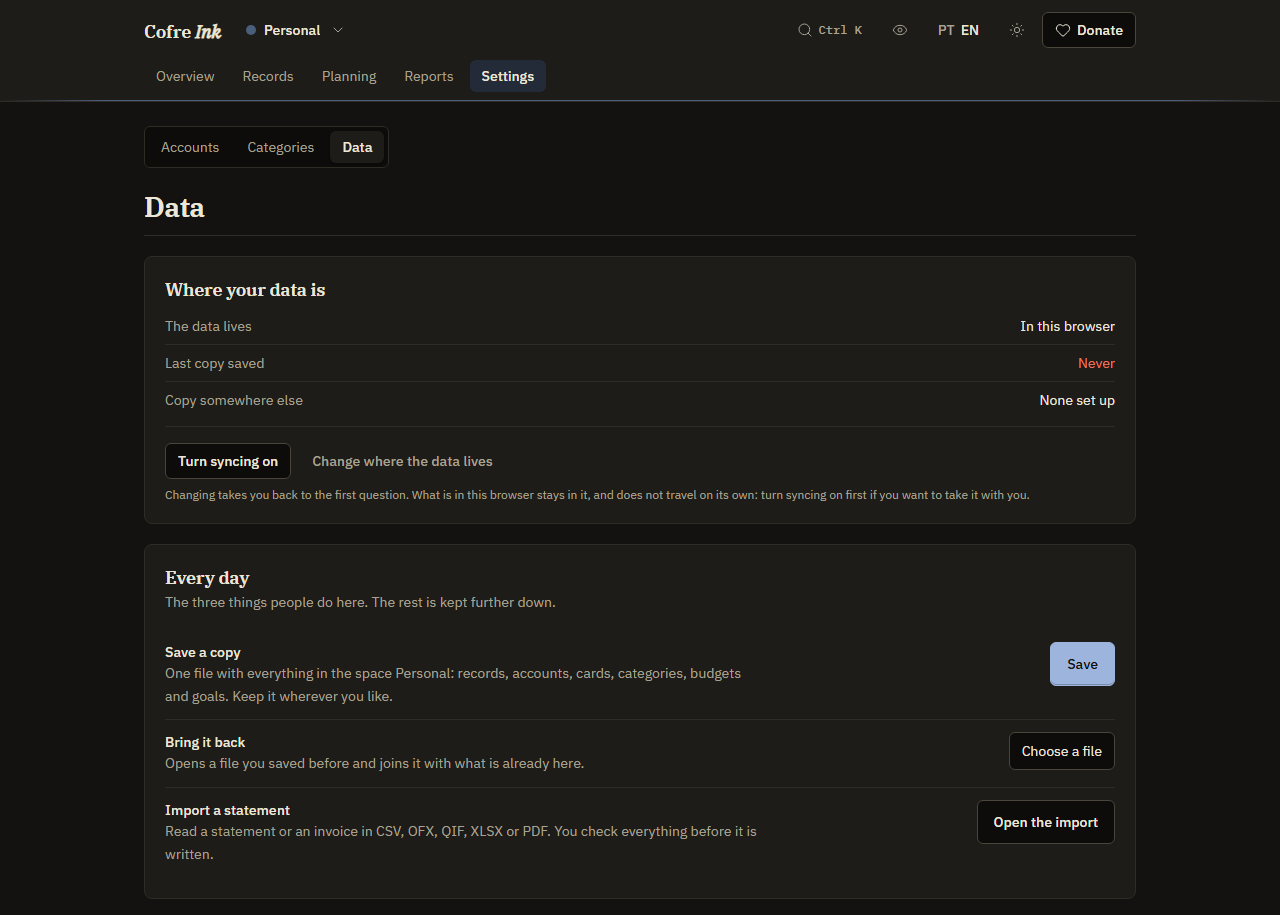
Section titled “Nothing leaves on its own”There is no telemetry: no analytics, no error reporting service and no tracking. In browser mode your records leave only when you press something that sends them: a sync to a place you chose, or Mirror now for a Google spreadsheet of yours. That place then holds a copy.
One button fetches public figures and sends none of your records. Update the indices, on the Investments screen, asks the public SGS service of the Banco Central for the CDI, the Selic and the IPCA, only when you press it (see Investments).
An offline budgeting app
Section titled “An offline budgeting app”After the first visit the interface is kept on the device, so in browser mode Cofre Ink opens and works with no connection at all. With a server, it has to reach that server.
Copies you keep
Section titled “Copies you keep”Save a copy, on the Data screen, downloads one file with everything in a space, and Bring it back joins such a file with what is already there. Nothing is saved on its own, and the file is plain text with no password, so keep it where only you can reach it (see Backup and restore). A shared space can also be kept in step between devices through a file, a server of yours, an online database or a WebDAV folder (see A copy elsewhere, and a second device).
The limits, said plainly
Section titled “The limits, said plainly”- In browser mode there is no copy until you make one: clear the site data or move to another device and the records are gone.
- The database in the browser is not encrypted. Whoever opens that browser sees the data.
- Bringing a second person into a shared space needs a Cofre Ink server of your own.
- A server needs a connection to work, and there is no password reset.
To look around before writing anything of your own, open the app and tick Start with example data under In this browser only.
Related pages: Where your data lives, Importing a statement, Backup and restore, A copy elsewhere, and a second device.