Quick entry
Most records fit in one line, the way you would jot them in a note: what it was, how much, when and where. Cofre Ink shows what it understood before anything is saved, and one press takes it back.
Where to find it
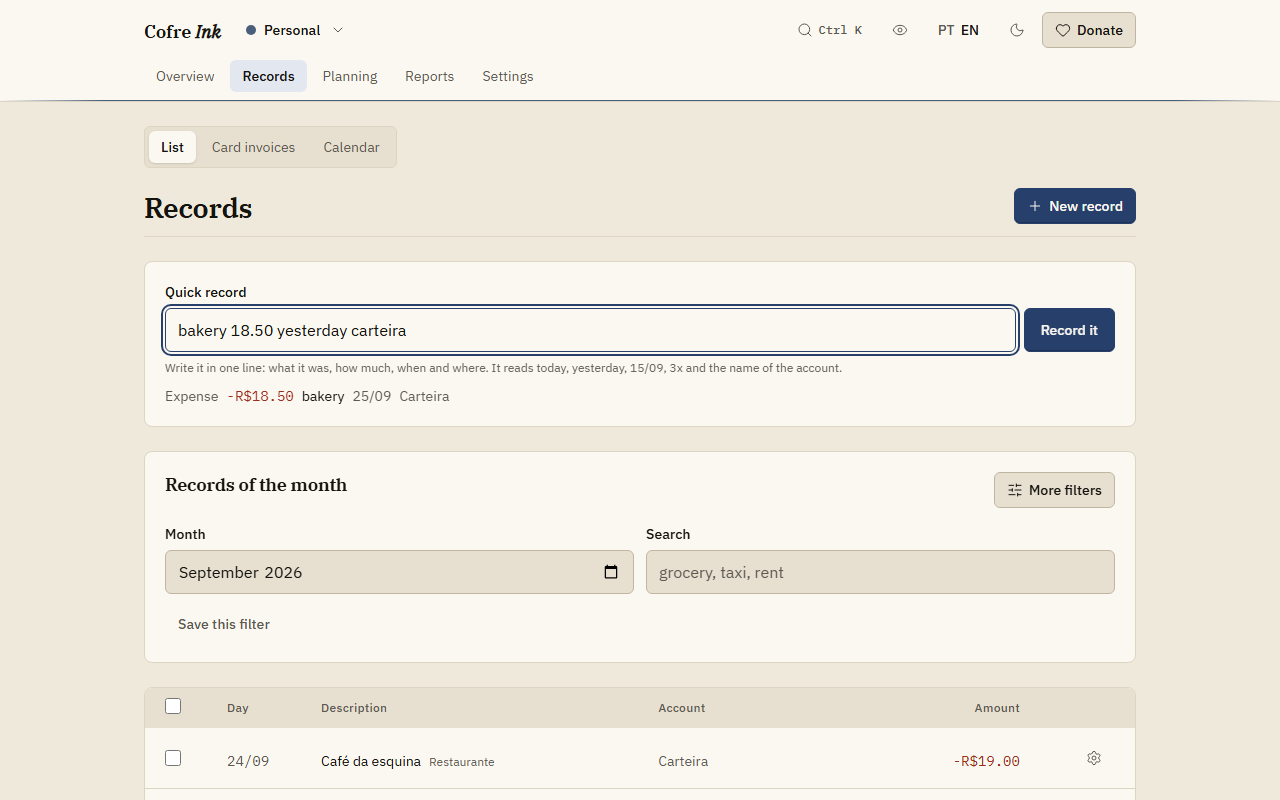
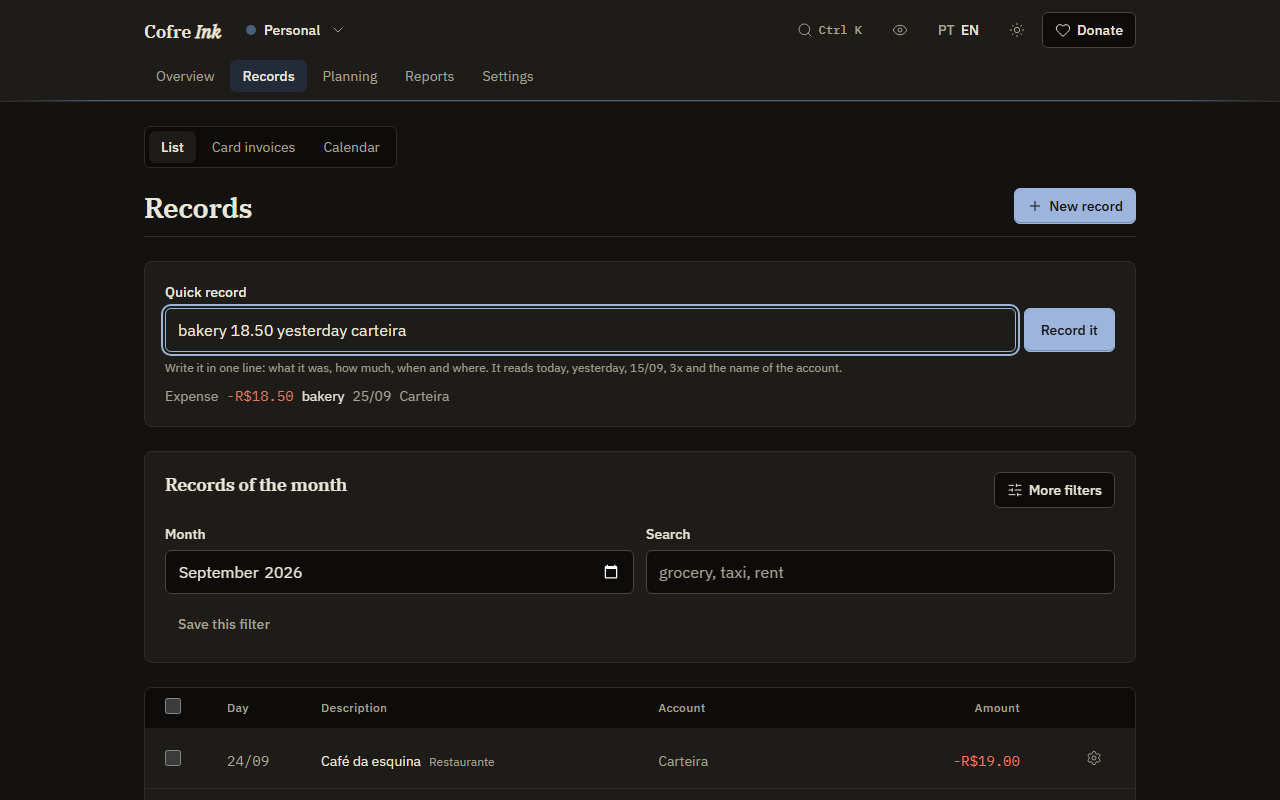
Section titled “Where to find it”Open Records, then List. The field Quick record is at the top of the screen, above the list.
 (opens the picture at full size)
 (opens the picture at full size)
Write a record in one line
Section titled “Write a record in one line”- Type the line, for example
coffee 4.20 yesterday wallet. - Read the line that appears under the field. It repeats what was understood: the kind, the amount with its sign, the description, the day, the account, the number of instalments when there are any, and Coming when it has not happened yet. When something is missing it says The amount is missing. or Say what it was.
- Press Record it, or Enter. The button stays disabled until the line has both an amount and a description.
The field empties and says Recorded, followed by the description, with an Undo button. Undo removes what was just written, every instalment of it. It shows while the field is empty and hides as soon as you type again.
What the line can say
Section titled “What the line can say”The words can come in any order, and Portuguese and English words work in the same line.
- What it was: every word that is not read as something else becomes the description. Small words such as
on,at,fromorwithare dropped when they come just before the account, the date or the amount, and stay inside the description, as in “coffee with milk”. - How much: the first number in the line. A comma or a period both work for the cents, and three digits after a single separator read as thousands.
R$,reaisand similar words are ignored, andR$89,90written together is fine. A+before the amount makes it an income, a-an expense. - When:
today,yesterday,tomorrow,day 5(the 5th of this month),15/09,15/09/2026,15/9/26or2026-09-15. Dates are day first. With no date, it is today. - Where: a word from the name of one of your accounts, in any case and with or without accents.
- Income or expense: a record is an expense unless the line says otherwise.
received,salaryandincomemake it an income (in Portuguese,recebi,salário,entrou,ganheiand a few others);spent,paidandboughtkeep it an expense. - Not happened yet: a date that has not arrived, or the word
dueorplanned(vence,previsto,agendado), marks it as Coming. - Instalments:
3xor3 times(3 vezes,3 parcelas) splits it into three parts, one a month.
Examples
Section titled “Examples”Say your accounts are called Current account, Wallet and Visa, and Visa is a card account.
| You type | What is written |
|---|---|
coffee 4.20 yesterday wallet |
An expense of 4.20, “coffee”, dated yesterday, on Wallet |
received 250 private lesson current account |
An income of 250, “private lesson”, dated today, on Current account |
headphones 360 3x visa |
Three expenses of 120 on Visa, “headphones 1/3” to “headphones 3/3”, each on its own invoice |
rent 1,450 day 10 due |
An expense of 1,450, “rent”, on the 10th of this month, not happened yet, on Current account, the first open account by name |
Good to know
Section titled “Good to know”- Quick entry writes only an expense or an income. A transfer needs the form (Writing a record).
- It never picks a card, a category, a priority or a note. The rules of the space may sort the record into a category as it arrives (Rules that sort); anything else can be added afterwards with Edit in the list.
- A word of three letters or more that is a word of an account’s name, or of four letters or more that begins one, is read as that account and leaves the description, even when you meant it as part of the description. When a word matches two accounts, neither is chosen from it. Check the line under the field before you press.
- When the line names no account, the record goes to the first open account in order of name, and the line under the field says which.
- The words that make it an income or mark it as coming leave the description too, so
salary 4500on its own asks Say what it was. Add a word of your own, as insalary september 4500, which is written with the description “september”. - Instalments are read on any account. On a card account each part lands on its own invoice; on any other account the parts are simply one record a month.
- A date written as day and month only that falls more than about six months ahead is read as last year’s:
20/12typed in January means the December just gone.
Next: Writing a record, Rules that sort and The list of records.