Projection and what if
The Projection shows where your balance is heading, month by month, for up to 36 months. It answers one question first: does the money last. With a scenario you can ask what if, and nothing you have written down changes.
Where to find it
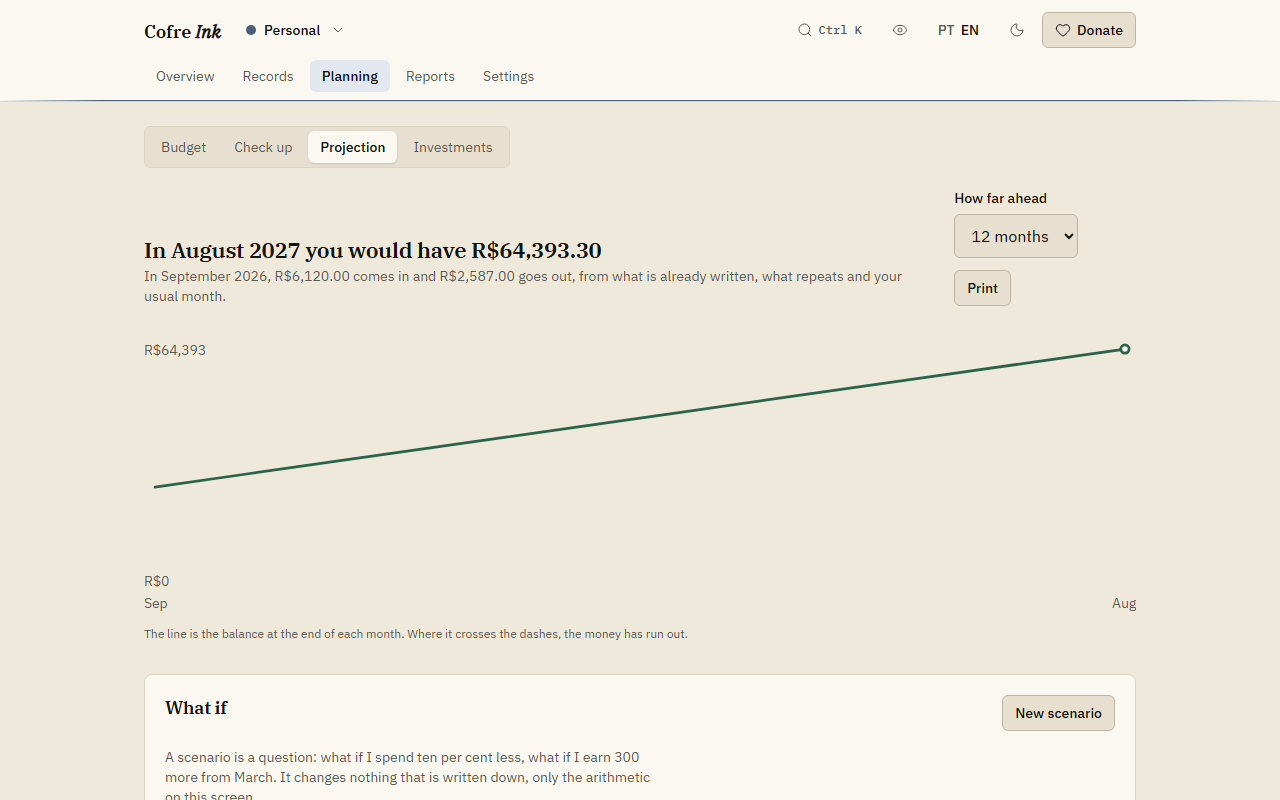
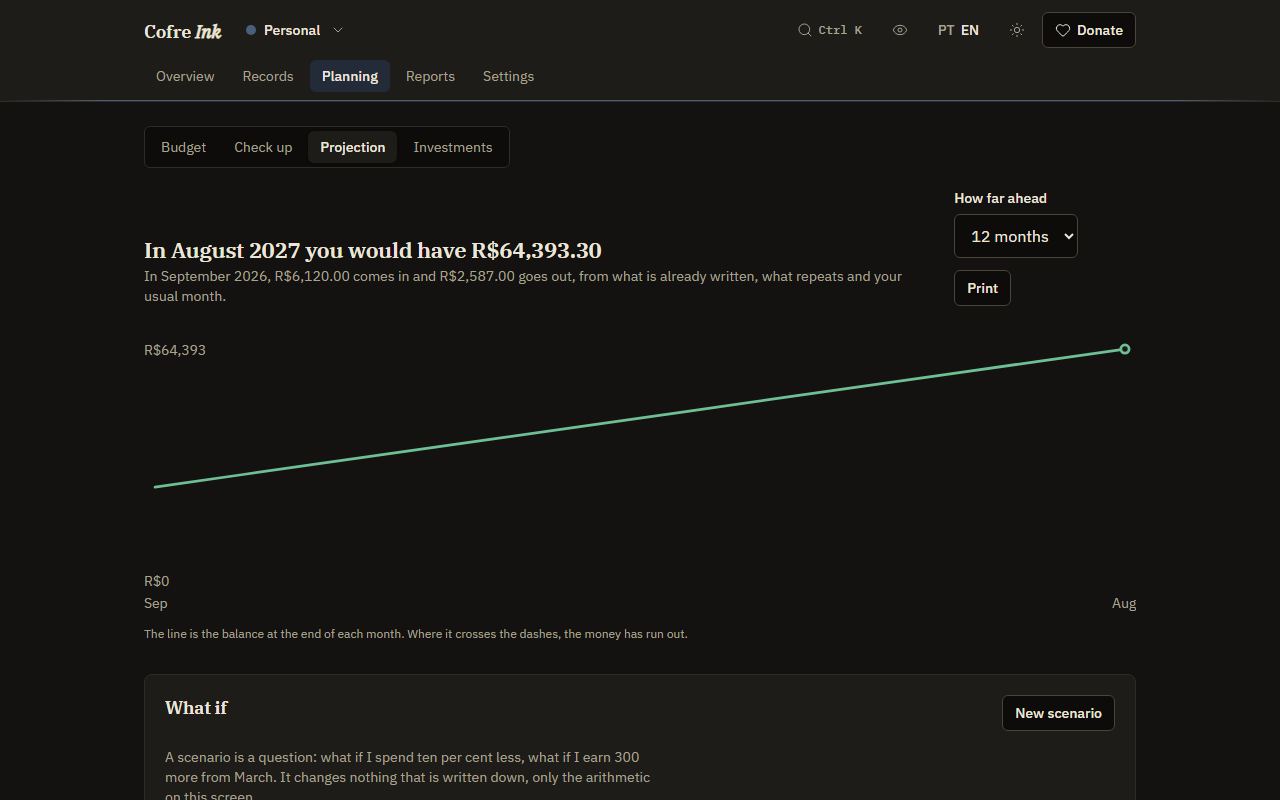
Section titled “Where to find it”In Planning, choose Projection in the row of screens under the sections. Planning opens on Budget, so that second row is where you switch.
 (opens the picture at full size)
 (opens the picture at full size)
Read the months ahead
Section titled “Read the months ahead”- Open Planning, then Projection.
- In How far ahead, choose 3, 6, 12, 24 or 36 months. It starts at 12.
- Read the headline. It gives the balance you would have in the last month shown, or names the month the money runs out. The line under it says what comes in and goes out this month.
- Look at the line: the balance at the end of each month. Where it crosses the dashes, the money has run out.
- Read Month by month for the figures of every month: In, Out, Difference and Balance.
How each month is worked out
Section titled “How each month is worked out”The starting point is what your accounts hold today, counting only what has already happened. Credit card accounts are left out. Each month then adds three things, kept apart so you can check them:
- What is already written for that month: records marked Has not happened yet.
- What repeats: what your series in What happens again, on the Calendar, will add to that month beyond what they have already written. A series on hold is not counted.
- The habit: your usual month, the middle value (median) of up to six months before the current one, less what the first two already cover. The usual month is the same for every month ahead, and the habit is the only part that is an estimate.
On screens wider than a phone, the Made of column splits the spending of each month into these three parts: written, repeats and habit. With fewer than three months of history, the screen shows Not much history, because the habit is then a rough guess. Transfers between your own accounts count for nothing here.
Ask what if
Section titled “Ask what if”A scenario is one change to money in or money out, applied to every month from the one you choose. It is saved with the space, and it changes no record.
- Under What if, press New scenario.
- Type a Name, such as “No takeaway”.
- In Change what, choose Out for spending or In for income.
- Type the change in By a percentage (10 adds a tenth,
-10takes a tenth off), or in Or a fixed amount, which is added every month (negative to take away). - In From, choose the first month it applies to.
- Press Save.
The screen switches to the new scenario at once. The solid line is with the change, the dotted line is how things stand today, and the headline and the table follow the scenario.
Switch between scenarios
Section titled “Switch between scenarios”- Press the name of a scenario to apply it.
- Press As it is to see the projection with no scenario.
- Press the × next to a scenario to delete it. It goes at once, with no question.
A scenario cannot be edited: to change one, delete it and make it again. When you come back to the screen it opens on As it is.
Print the projection
Section titled “Print the projection”Press Print, next to How far ahead, for your browser’s print dialog, where you can also save as PDF. The printout is dark ink on white paper whatever theme you use, and leaves out the header and the controls at the top. Unlike Reports, it has no line naming the space.
Good to know
Section titled “Good to know”- A projection is arithmetic, not a forecast. It assumes the months ahead look like the months behind, apart from what you have written down.
- It covers the space that is open. There is no view of every space together here.
- Scenarios belong to the space: in a shared space, every member sees them, and only an Owner, Administrator or Editor can save or delete one. Having other people in a space needs server mode (see Members and invitations).
- The screen works the same way in browser mode and in server mode.
- The more you write down in advance, as planned records and series, the less the habit has to guess.
To set limits and goals, see Budget. For what the months behind say, see the check up.