What repeats, and the calendar
Rent, a subscription, a salary: describe it once and Cofre Ink writes it as planned records on the right days. A planned record counts in what is coming and only touches the balance once you mark it as paid. The Calendar shows the month with both.
Where to find it
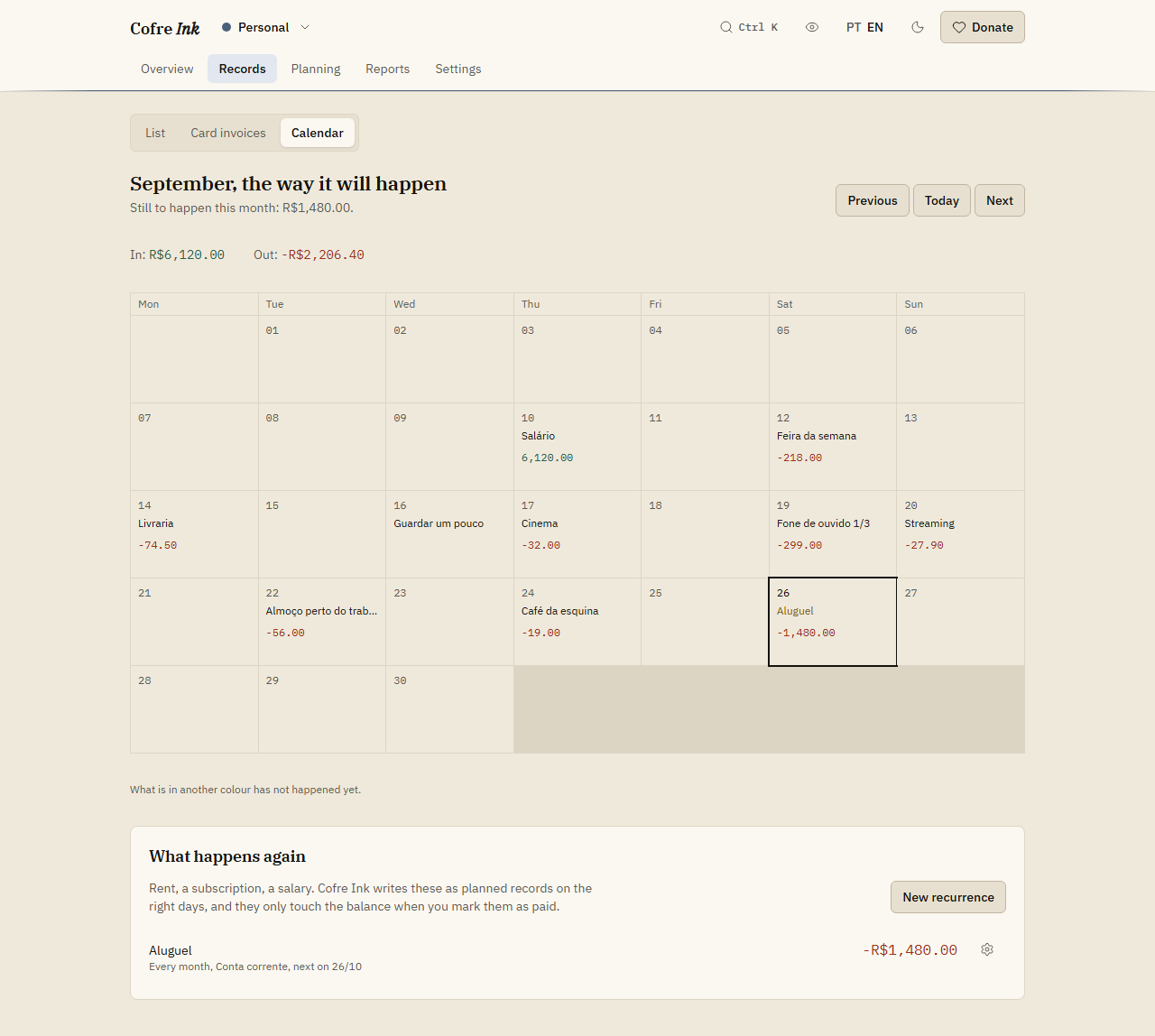
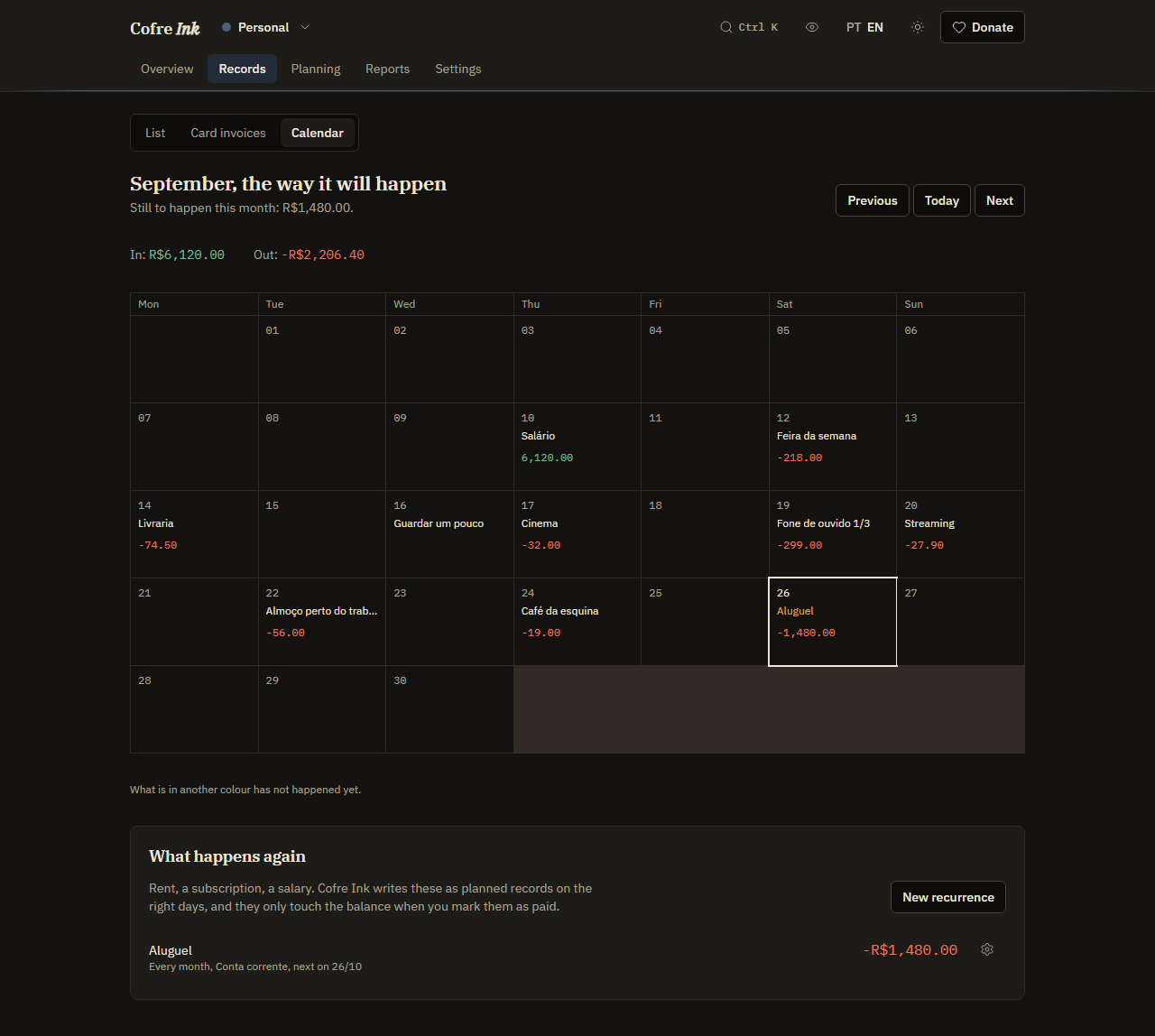
Section titled “Where to find it”Open Records, then Calendar. The month is drawn as a grid, and under it is the panel What happens again, where the recurrences live.
 (opens the picture at full size)
 (opens the picture at full size)
Add a recurrence
Section titled “Add a recurrence”- In What happens again, press New recurrence.
- Choose the Kind: Expense or Income.
- Write the Description, such as rent, and the Amount, with a comma for the cents.
- In From, pick the first date. It starts on today, and the day of this date is the day that repeats.
- In Repeats, choose Every week, Every month or Every year.
- Pick the Account and, if you want, a Category.
- Press Save.
The series appears in the panel with how often it repeats, the account, next on and the next date, and the amount. Its planned records are written straight away, from the From date up to about two months ahead (62 days after today). They show in the list as Coming and on the Calendar in another colour.
A weekly series falls on the weekday of the From date, a monthly one on the same day of each month, a yearly one on the same day and month. A day that a month does not have falls on its last day: a series on the 31st falls on the last day of February.
When the planned records are written
Section titled “When the planned records are written”Cofre Ink writes the planned records of every series in the space when you open the Calendar, and when you save a series, put it on hold or start it again. Nothing writes them in the background, neither in the browser nor on a server. Open the Calendar every few weeks so the coming bills are always there.
Mark a planned record as paid
Section titled “Mark a planned record as paid”When the bill is paid or the salary arrives:
- On the Overview, the panel Due in the next days lists the planned records from today to fifteen days ahead, each with Mark as paid.
- Or, in Records, List, press the gear button of the row and choose Mark as paid. For several at once, tick them and press Mark as paid in the bar (see The list of records).
If the amount came out different, correct it first with Edit in the same menu. A planned record whose day has passed stays Coming in the list and on the Calendar until you mark it as paid; the Overview panel only lists from today on.
Change, hold or delete a series
Section titled “Change, hold or delete a series”Press the gear button beside the series. The menu offers:
- Edit, to change the description, the amount, From, Repeats, the account and the category. The kind cannot be changed.
- Hold, which stops the series from writing new planned records and marks it on hold. What it already wrote stays. Start again, in the same menu, lets it write again.
- Delete, which removes the series at once, with no confirmation, together with every planned record it wrote that was never marked as paid. What was marked as paid stays.
Read the Calendar
Section titled “Read the Calendar”- The headline reads September, the way it will happen, with Still to happen this month: and the planned amount, or Nothing planned is left this month.
- In: and Out: add up the income and the expenses of the month, planned ones included.
- Each day shows up to three descriptions, a note such as 2 more when there are others, and the day’s total. Today is outlined, and what has not happened yet is in another colour.
- Previous, Today and Next move between months.
The Calendar only shows. You cannot add a record or mark one as paid from a day. On a phone the grid keeps its width and scrolls sideways inside its box.
Good to know
Section titled “Good to know”- A series repeats every week, every month or every year, with no end date, and only for an expense or an income: a transfer cannot repeat. To stop a series, hold it or delete it.
- A From date in the past writes planned records for the past days too, all as Coming. Pick today or a later date unless you want them.
- Editing a series does not touch the planned records it already wrote: they keep their amount and their day. If you change the amount, correct those records in the list with Edit.
- In a shared space, only an Owner, an Administrator or an Editor can write series (see Members and invitations).
- Recurrences work the same in the browser and on a server of your own.
Next: The list of records, Notices and findings and Projection and what if.