How to track a credit card statement and instalments
To track a credit card statement and instalments you need to know two things: which invoice each purchase lands on, and what the instalments you already have take from each month ahead. This page explains the statement cycle on any card, then how Cofre Ink, an open source personal finance app, keeps track of both. Cofre Ink calls the monthly statement the invoice (the fatura, in Brazil), and so does this page.
How a credit card statement cycle works
Section titled “How a credit card statement cycle works”Every credit card runs on two days of the month. The closing day ends a period: what was bought since the previous closing goes on one invoice. The due day is when that invoice has to be paid, some days later, sometimes in the following month.
Take a card that closes on the 3rd and falls due on the 10th. A purchase on 1 September is on the invoice that closes on 3 September, paid on 10 September, nine days later. A purchase on 4 September missed that closing: it goes on the invoice that closes on 3 October, paid on 10 October, 36 days later.
Why the day after closing is called the best day to buy
Section titled “Why the day after closing is called the best day to buy”The best day to buy is not a day when anything costs less. It is the first day of a new period, so a purchase made then waits the longest before it is paid: a whole cycle, plus the gap until the due day. Buying on 4 September instead of 1 September moves the payment from 10 September to 10 October. Depending on the card, that first day is the closing day itself or the day after it.
The price and the debt stay the same. Only the wait changes, and a longer wait is also more time to forget the purchase.
Why instalments commit the months ahead
Section titled “Why instalments commit the months ahead”A purchase in instalments puts one part on each invoice, starting with the one the purchase lands on, next to everything else bought that month and the parts of older purchases.
Say that in September you buy a phone for R$ 1,200 in 6 instalments and a sofa for R$ 900 in 3, both starting on the October invoice. Before you buy anything else:
- The October, November and December invoices already carry R$ 500 each: R$ 200 for the phone and R$ 300 for the sofa.
- The January, February and March invoices carry R$ 200 each.
That is R$ 2,100 over six months, exactly the two prices, and no single invoice shows it whole.
How to track instalment purchases month by month
Section titled “How to track instalment purchases month by month”Before another purchase in instalments, ask whether the new part fits every month it lands on, next to the parts already there. Three ways to see that, each with its trade off:
- A table of the months ahead with the sum of the parts in each. Paper or a spreadsheet will do, but every purchase goes in and comes out by hand.
- The future invoices your card shows, if it shows them: exact, but for that card only.
- One record per part in a finance app, so each month adds itself up, at the cost of writing every purchase down.
Whichever you use, compare each month’s sum with what a month usually leaves over once everything else is paid. A month whose parts already take more than that was spent before it began.
Tracking a credit card statement and instalments in Cofre Ink
Section titled “Tracking a credit card statement and instalments in Cofre Ink”Cofre Ink follows the cycle above and writes each instalment as a record of its own.
A card with its closing and due days
Section titled “A card with its closing and due days”You can add four kinds of card: Credit, Debit, Multiple (credit and debit on one card) and Benefit, for vouchers. Only a credit or a multiple card has an invoice. To add one, open Settings, Accounts, New account, set Kind to Card, keep Credit or choose Multiple in How it works, and pick the Closing day and the Due day. They start on 3 and 10 and cannot be changed after you save, so check both against your card first (Cards and vouchers).
A purchase made before the closing day lands on the invoice that closes that month, and one made on the closing day or after it lands on the next. An invoice is named after the month it closes in. The rule is the same for every card, so if yours keeps a purchase made on the closing day on the invoice that is closing, that purchase shows one invoice later in Cofre Ink.
The invoice screen
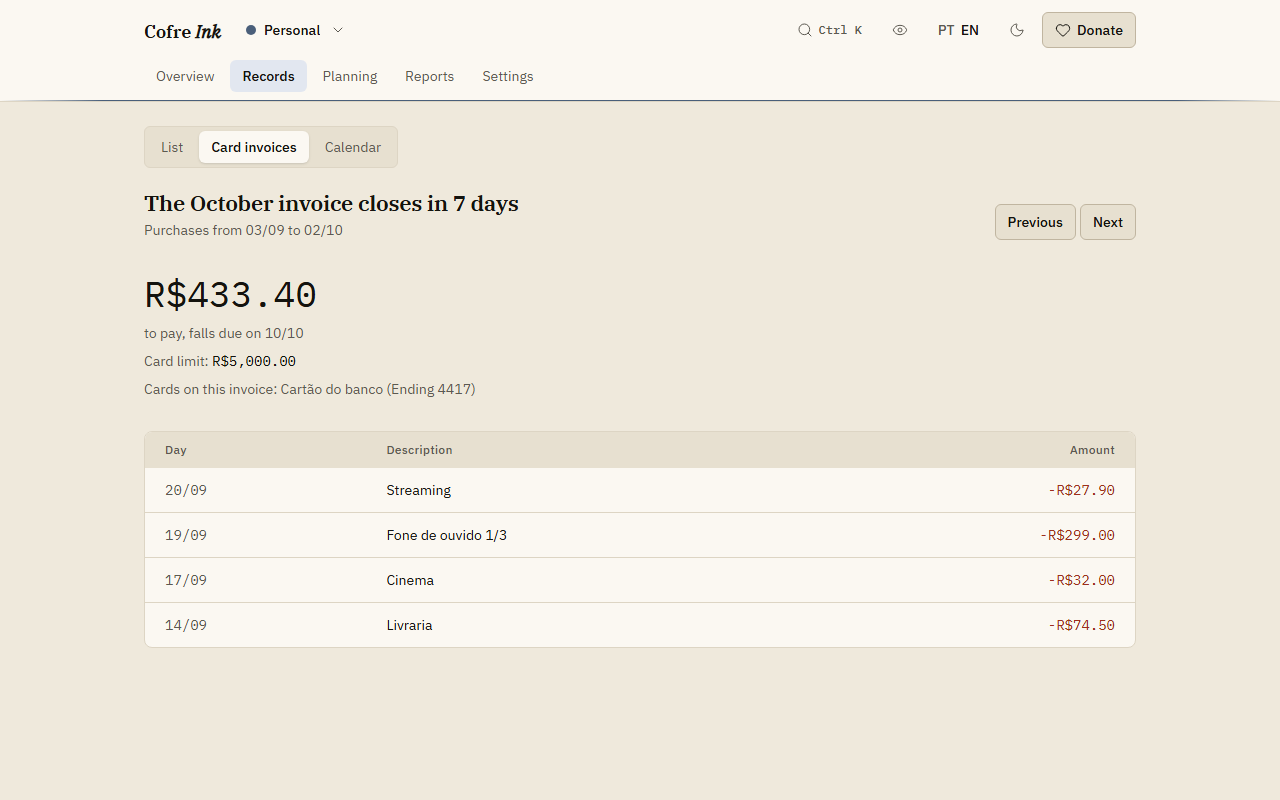
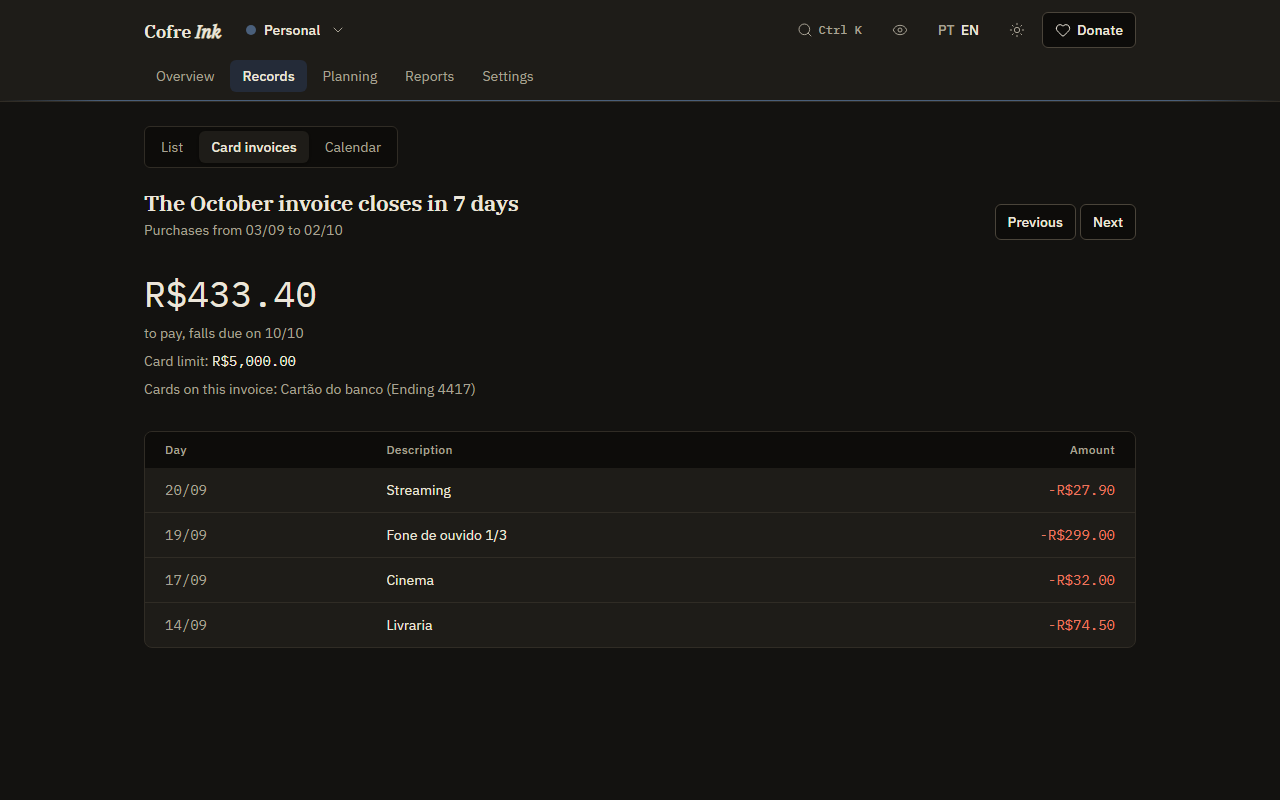
Section titled “The invoice screen”Open Records, then Card invoices. It opens on the invoice today’s purchases land on: a headline such as The September invoice closes in 5 days, the amount to pay, the date it falls due on, and the purchases. Next moves forward to invoices that have not closed yet, with the instalments already on them, and Previous moves back (Card invoices). The screen does not record whether an invoice was paid.
 (opens the picture at full size)
 (opens the picture at full size)
One record per instalment
Section titled “One record per instalment”In New record, write the expense on the card account, or pick in Card a credit card or a multiple card marked (Credit). The field Installments offers In full up to 24. Each part becomes a record of its own, a month apart on the same day of the month, ending in 1/6, 2/6 and so on, and each lands on its own invoice. The parts add up to the amount you type, to the cent, with the leftover cents on the first ones, so type the total of all the parts (Writing a record).
In Quick record, one line does the same. With a card account called Blue card, phone 1200 6x blue writes six expenses of R$ 200 on it, each on its own invoice (Quick entry).
What the card has already committed
Section titled “What the card has already committed”In Planning, Check up, the panel The card compares the last invoice with an ordinary one. Then it shows what instalments already take from each month ahead, with the total and the month of the last part. A month whose parts take more than an ordinary month leaves over is marked more than a month leaves over. Parts count in the month they are dated, which can be a month before their invoice (The check up).
A monthly limit on the Budget screen counts each part the same way, in the month it is dated.
Try it with example data
Section titled “Try it with example data”The example data has a card that closes on the 3rd and a purchase in three instalments: open the app and tick Start with example data under In this browser only to look around first. All of this works in the browser, with no account, and on a server of your own, and a card invoice read from a file through the import lands on the right invoices too.
Related pages: Card invoices, Cards and vouchers, Writing a record, Quick entry, The check up.