Writing a record
A record is one thing that happened to your money: an expense, an income, or a transfer between two of your own accounts. You always type a positive amount; the kind decides whether the money goes in or out.
Where to find it
Section titled “Where to find it”Open Records; it opens on List. The New record button is at the top right. To write a record as one line of text instead, use the field Quick record above the list (Quick entry).
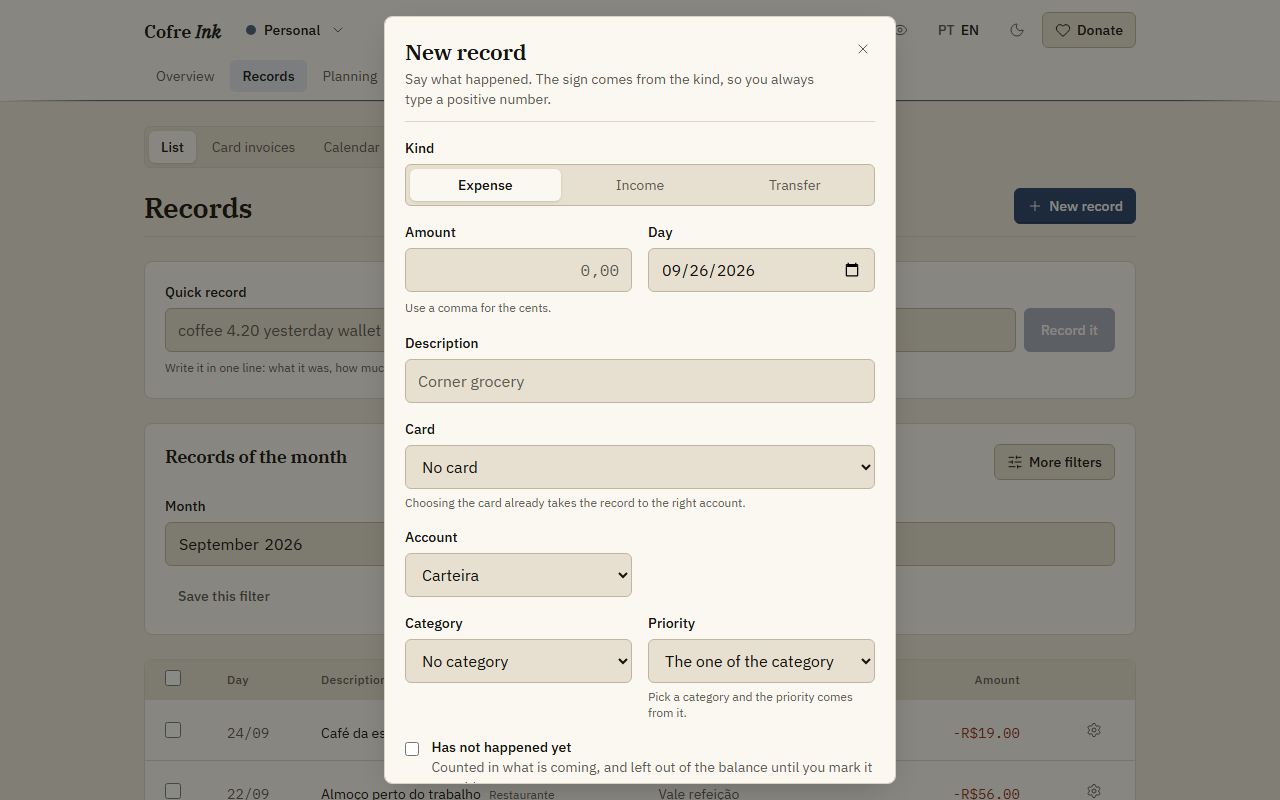 (opens the picture at full size)
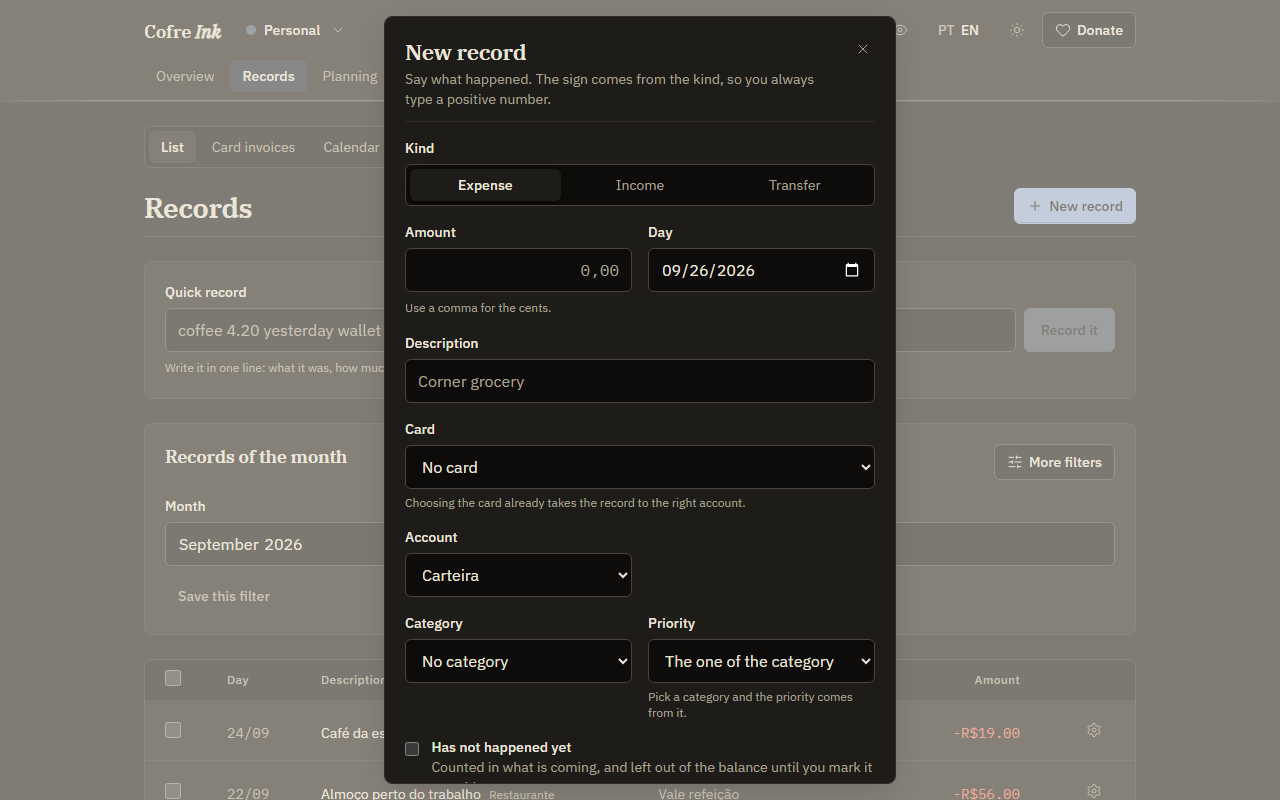 (opens the picture at full size)
Write an expense or an income
Section titled “Write an expense or an income”- Press New record.
- In Kind, keep Expense or choose Income.
- Type the Amount, with a comma for the cents, as in
42,90. A period works too. - Check the Day. It starts on today.
- Type a Description: the words you will search for later.
- Choose the Account the money left or arrived in. It starts on the first account in the list.
- Optionally choose a Category and, for an expense, a Priority (Categories and priorities).
- Optionally type a Note.
- Press Save.
The record appears in the list with its sign, and the balances on the Overview change with it. If you leave Category on No category, the rules of the space may sort the record as it arrives (Rules that sort).
Pay with a card
Section titled “Pay with a card”Once the space has a card, the dialog shows a Card field. Choosing a card fills in the account for you. A multiple card is offered twice, with (Credit) and (Debit) after its name: credit puts the purchase on the card invoice, debit takes it from the balance the same day. More in Cards and vouchers.
Split a card purchase into instalments
Section titled “Split a card purchase into instalments”- Write the expense as above, on a card account: choose it in Account, or pick in Card a credit card or a multiple card marked (Credit).
- The field Installments appears. Choose from In full up to 24 times.
- Press Save.
Each part becomes a record of its own, one month apart on the same day of the month, with an ending such as 1/3, 2/3 and 3/3. Each part lands on its own invoice, and the parts add up to the purchase to the cent, the leftover cents going to the first ones. To remove the whole purchase, open the menu of any part and choose Delete every installment; Delete removes one part only.
Move money between your own accounts
Section titled “Move money between your own accounts”- Press New record and choose Transfer.
- Type the Amount, the Day and a Description.
- Choose Out of and Into.
- Press Save.
A transfer is one record: it leaves one account and arrives in the other, and it is never counted as spending or as income. The list shows the two accounts joined by an arrow. A transfer takes no card, no category and no instalments.
Note something that has not happened yet
Section titled “Note something that has not happened yet”For a bill due next week or money still to come in, tick Has not happened yet before saving. The record is counted in what is coming and left out of the balance until you mark it as paid.
- The list shows Coming next to it, and its menu has Mark as paid.
- On the Overview, the line After what is coming: includes it. When it falls due within the next fifteen days, it also shows under Due in the next days, with a Mark as paid button.
The form does not decide this from the date: a record dated next month without the tick counts in the balance straight away.
Correct or delete a record
Section titled “Correct or delete a record”In the list, press the gear button at the end of the record’s row and choose Edit or Delete. Editing opens the same form without Kind, because the kind cannot change: to turn an expense into an income, delete it and write it again. Each part of an instalment purchase is edited on its own.
A record that shows checked was checked against the bank, and Edit and Delete refuse it until you choose Undo the check in its menu (The list of records).
Good to know
Section titled “Good to know”- The amount has to be greater than zero. A comma or a period both work for the cents, and three digits after a single separator read as thousands, so
1.500is one thousand five hundred. - Installments appears only for an expense on a card account, and offers up to 24 parts.
- Archived accounts and archived cards are not offered.
- A category you choose by hand is never replaced by a rule.
- Delete acts at once, with no confirmation and no undo.
- In a shared space, what you can write and change depends on your role (Members and invitations).
- All of this works the same in the browser and on a server of your own.
Next: Quick entry, The list of records, Card invoices and, in a shared space, Splitting and settling up.